
Home/MachineCopilot
The AI assistant at your machine
MachineCopilot combines your machine’s manual, fault history and live data into one answer, with a source reference. Your team asks by voice, right at the machine. Everything runs locally in your plant.
MachineCopilot
What is MachineCopilot?
MachineCopilot is TECHTORY’s autonomous machine assistant: an AI layer that sits on top of existing machines. It makes machine knowledge accessible by voice, analyzes faults and, if desired, operates selected functions. Not a chatbot with a manual attached, but an assistant that knows the machine’s current state.
The manufacturer knows the machine. You know the process. MachineCopilot knows both and answers where the work is done.
Sources of knowledge
Three sources of knowledge, one answer
The difference from a document search lies in combining static manual knowledge, dynamic process data and your team’s hands-on experience.
Manuals and documents
All machine documents loaded, with page and chapter reference. Every answer cites its source.
Controller and operating data
Read-only access to current alarms, message history, operating hours, the active program as well as axis and spindle loads.
Your team’s hands-on knowledge
Recorded once in a structured way, then available to everyone: why does this program run at 80 % override? What helps with this noise?
What the difference sounds like
Not „What does alarm 700016 mean?“ but: „Alarm 700016 has been active for three minutes, last occurred twelve days ago with the same program and was fixed by cleaning the chip conveyor. Here is the page in the manual.“
Capabilities
What MachineCopilot can do
The capabilities build on each other. Understanding is useful from day one, analyzing grows with operating time, and acting is the next stage, which you decide on.
Running on our own machines
Understand: ask your machine
The AI does not invent, it finds. Answers come from your documentation, service history and fault lists, always with a source. Live data from the controller is included.
Operator: „Why is the line stopped again with ‚part not detected‘ at the infeed?“
Machine: Light barrier B12 on the infeed belt, four times today already, always between 6:00 and 7:30 a.m. Note from the fault history: „In cold weather the optics fog up. Wipe the lens, check the bracket.“ Hall temperature this morning: 12 °C. Source: fault history, manual chapter 7.3.
Running on our own machines
Analyze: causes instead of error codes
The AI knows the machine’s learned normal state and reports deviations before they become faults. When a fault occurs, it delivers a reasoned hypothesis of the cause. The maintenance technician makes the decision.
Maintenance technician: „Axis 2 reports a following error, but only in rapid traverse. Mechanics or drive?“
Machine: The current curve of axis 2 has been 15 % above reference at the same acceleration for three weeks. That points to stiff mechanics. Lubrication of the linear guide is overdue according to the maintenance plan. Recommendation: lubricate and run a reference move first, then check the controller parameters.
Shown live: aaa Zurich 2026
See: recognise objects without teaching
The machine captures its surroundings by camera, identifies objects and their position and passes the data straight to the robot or controller. One example is picking without teaching in the Vision AI cell.
Next stage
Act: operation on voice command
Voice commands are mapped to a tested, approved command catalogue. The AI does not improvise. Emergency stop, safety circuits and real-time control remain in the certified safety system.
Operator: „Open the drawers. Get me the object from the drawer.“
Machine: Drawer opened. Object detected, grip position calculated and passed to the robot.
Sample dialogues are typical, anonymized scenarios from prototype operation on our own machines.
Users
Two users, one system
The operator at the machine
Needs answers in seconds, with dirty hands, by voice or touch at the terminal next to the controller. Typical questions: What does the alarm mean? How do I change over? How do I restart after an emergency stop?
The maintenance technician
Needs depth: wiring diagram, spare part, fault history and maintenance intervals, often on the move with a tablet. MachineCopilot provides the basis; the decision stays with people.
Applications
Six situations from everyday plant life
The same AI layer, many situations. Each of them is already covered by the „understand“ capability and does not need a major project.
Troubleshooting on the night shift
Saturday, 2:30 a.m. The expert is off, the manufacturer’s support is not available until Monday. The machine delivers a hypothesis of the cause and test steps, referencing the manual and fault history.
Onboarding new staff
New colleagues ask the machine instead of the production manager: changeover routines, zero points, restarting after an emergency stop. Onboarding gets faster, safety increases.
Securing knowledge before retirement
The tricks of a colleague with 18 years of experience on the line are captured at the machine in a structured way. The knowledge stays in the plant.
Spare parts without the binder hunt
„Which valve is fitted at the lifting station?“ The answer comes with the spare part number and wiring diagram reference, in seconds instead of after long searching.
Guided changeovers
Voice-guided changeover steps from the setup sheet. Reproducible changeover times, no matter who is on shift.
Hands-free maintenance log
Dictate while you work; the log and history are created along the way. The next fault analysis has a complete history.
Architecture
How is MachineCopilot structured?
No new machine, no cloud requirement: the assistant sits as a layer on top of your existing equipment. The controller remains responsible for real-time control and safety; the AI reads and suggests.
- Business and cloudOptional, for example for evaluations across several sites. Never a prerequisite.
- Central platform in the plant networkManages several edge units in your own network.
- Edge AI: MachineCopilotThe assistant on a compact edge unit at or next to the machine.
- Controller (PLC / CNC)Remains untouched. The assistant reads, it does not write to the controller.
- Machine and sensorsYour existing equipment, including older machines.
Principles
Three non-negotiable principles
Data stays in-house
Drawings, processes and know-how never leave the plant. Auditable for IT security and data protection.
AI suggests, people decide
Every answer cites its source, critical actions only after explicit approval.
The PLC stays the PLC
Emergency stop, safety circuits and real-time control remain in the certified safety system. The AI has no access to them.
What MachineCopilot does not do
No automatic parameter changes and no writing of NC programs to the controller. Answer quality depends on the documentation, and hands-on knowledge has to be captured once. Status today: working prototype. Understanding and analyzing run on our own machines, acting is the next stage.
How the pilot works
How does a MachineCopilot pilot work?
Not a major IT project, but a defined pilot: one machine family, fixed scope, fixed price and success metrics agreed in advance. For simple use cases, the process shortens to four weeks.
Before · Pilot consultation (30 minutes)
We: understand your situation, show a live demo at your site on request and assess the fit honestly.
You: 30 minutes and a machine in mind.
Result: an assessment of whether and where a pilot pays off, and a fixed-price offer.
Weeks 1–2 · Define
We: on-site workshop, choose the machine family and use case, review documents, check the controller interface, set success metrics and baseline values.
You: a contact from maintenance or production, the machine’s documents (PDF is fine), an IT contact for the machine network.
Result: a written pilot plan with scope, metrics and schedule.
Weeks 3–6 · Build and test
We: install the edge unit at the machine, load documents, connect controller data read-only, capture hands-on knowledge with your team, check answers.
You: two to four key users who collect questions and rate answers.
Result: a working MachineCopilot at your machine with first verified answers.
Weeks 7–8 · Measure and decide
We: support use in shift operation, evaluate the metrics and give a recommendation.
You: everyday use and a short final meeting.
Result: a results report with figures as the basis for further machines and sites.
Examples of success metrics
- Time from alarm to restart, before and after
- Calls to the expert from night and weekend shifts
- Onboarding time on the pilot machine
- Search time for spare parts and documents
- Usage and share of answers rated helpful
The metrics that apply are agreed jointly in the workshop.
Contact
Let’s talk about your machine.
In the pilot consultation we work out which machine offers MachineCopilot the greatest leverage. Concrete, honest and on equal terms.
Or reach us directly: +49 7805 9589-0·info@techtory.de
We usually get back to you within one working day.
FAQ
Frequently asked questions
How is MachineCopilot connected to our controller?
Read-only, via standard interfaces such as OPC UA or umati, or via documented manufacturer interfaces. The assistant does not write to the PLC or CNC. Which data is read is agreed jointly in the pilot.
Does our data leave the plant?
No. The edge unit works in the machine network; no internet connection is needed. Loaded documents and captured knowledge are stored on your hardware and belong to you.
How safe is it when the AI operates functions?
The safety system remains untouched. Voice commands are mapped only to a tested, approved command catalogue, and critical actions run only after explicit confirmation.
Further information
Matching extensions
See MachineCopilot in action and discover the services of the TECHTORY GROUP around your equipment.
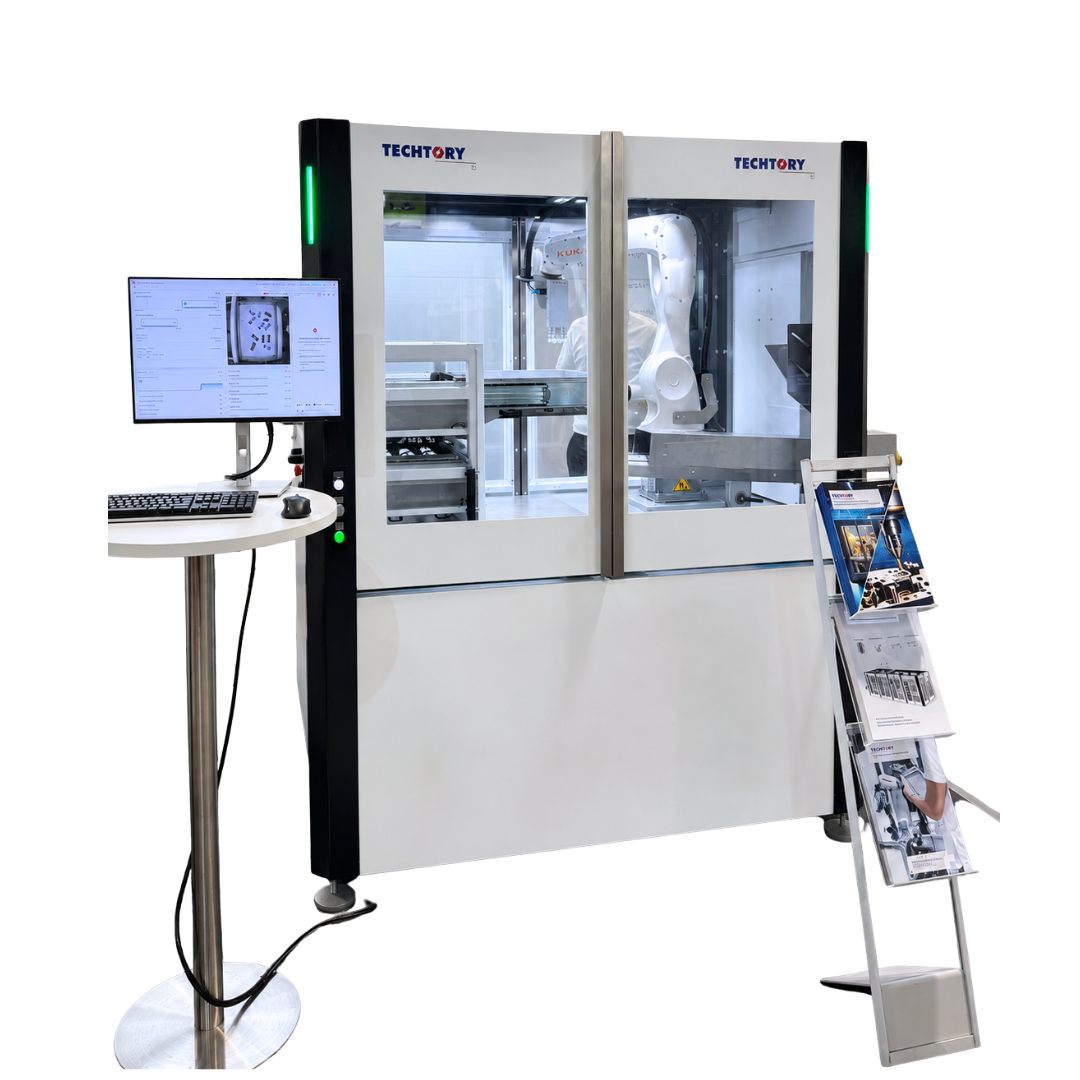 AIUse case: Vision AI cellPicking without teaching, shown live at aaa Zurich 2026.View the use case →
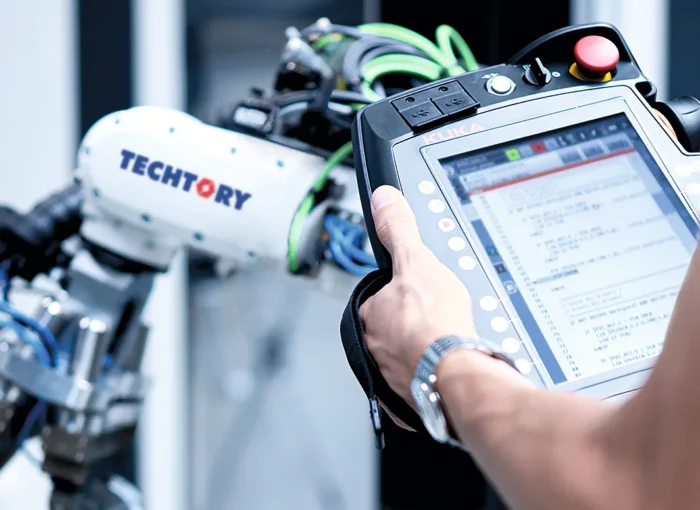 AutomationAutomation systemsCustom systems for assembly, handling and testing.Learn more →
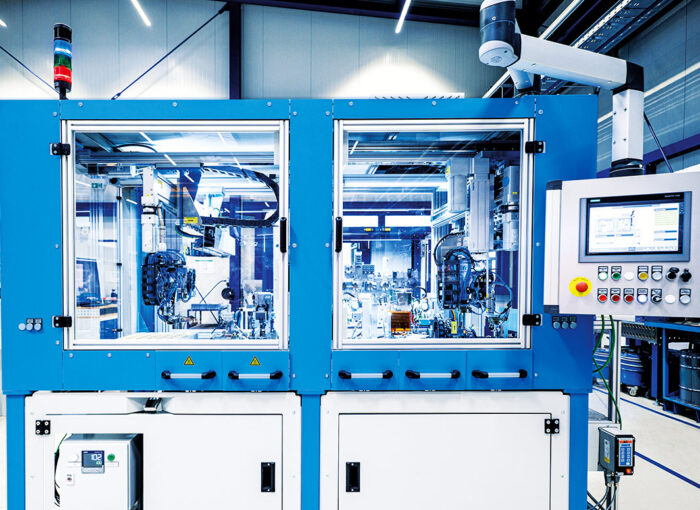 AutomationTest engineeringTest benches and test systems for traceable quality.Learn more →
 ServicesProject planning and designProject planning, mechanical and electrical design from a single source.Learn more →